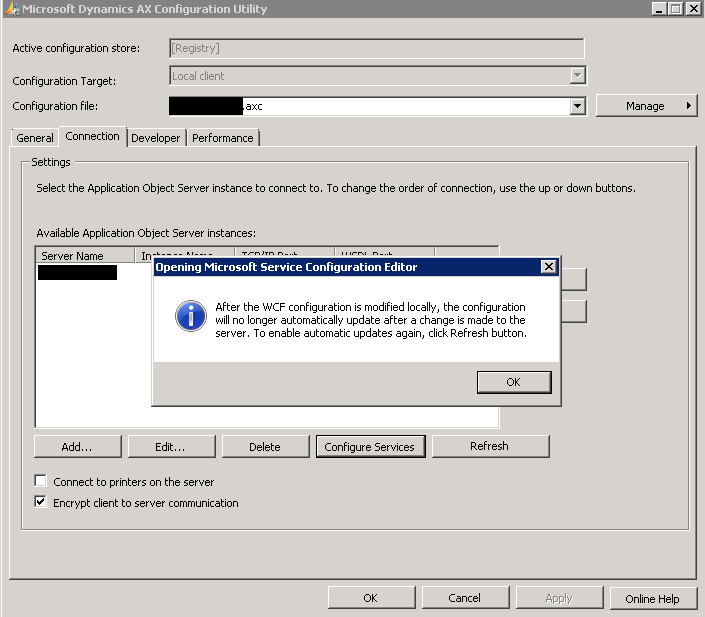
"The specified client configuration does not contain valid WCF settings". We often encounter this error when we create new client configurations for Dynamics AX. These are the steps which i followed to solve.
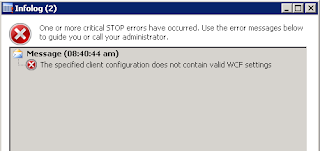
Do the following to fix the issue:

Do the following to fix the issue:
Navigate to : Computer> Programs> Administrative Tools
- Open the .axc where this issue was being seen in the Microsoft Dynamics AX Configuration Utility.
- Click on the 'Connection' tab
- Click on the 'Refresh' button and wait for the process to complete.Click on the 'Configure Services'